auto_examples/example_demo

Run in Google Colab
Colab

Download Notebook
Notebook

View on GitHub
GitHub
%matplotlib inline
Sphinx Gallery Demo#
This is a simple example demonstrating the Sphinx Gallery integration with the PyTorch Sphinx Theme.
NumPy Arrays#
Let’s create some arrays and demonstrate basic operations.
import numpy as np
First, let’s create some arrays:
[[0. 0. 0.]
 [0. 0. 0.]
 [0. 0. 0.]
 [0. 0. 0.]
 [0. 0. 0.]]
float64
We can also create arrays with random values:
x = np.random.randn(3, 3)
print(x)
[[ 1.46734677 -0.57055215  1.16339435]
 [-0.69809288 -1.06684832 -0.42278975]
 [-1.24688925  0.72024343 -0.2224516 ]]
Plotting with Matplotlib#
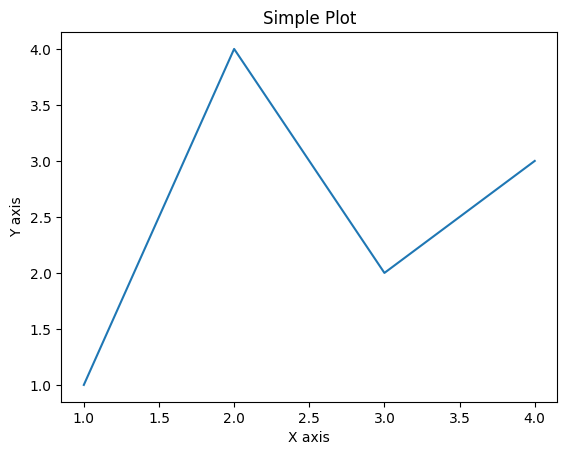
The gallery can also display plots:
import matplotlib.pyplot as plt

fig, ax = plt.subplots()
ax.plot([1, 2, 3, 4], [1, 4, 2, 3])
ax.set_xlabel('X axis')
ax.set_ylabel('Y axis')
ax.set_title('Simple Plot')
plt.show()